Shopping online is a modern convenience many can’t live without. It offers quick and easy access to products from the comfort of our homes. There are no lines, no hassle to find a parking space, lower prices, and your package is delivered right to your doorsteps.
But for every advantage, there is an equal disadvantage.
Online scams, especially during the holiday season, can lead to the loss of money and the theft of your personal information. Sure, you can argue the online portals you use should create a safe space, but vigilance is the first step in prevention.
So how do you shop safely online? Let’s go through some tips and red flags you should look for to safeguard your information.
10 Tips for Shopping Safely Online
Shopping is no longer limited to brick and mortar. It’s all about the one-click order and enhanced browsing capabilities. It’s a honey trap online fraudsters and hackers are locked into as you give online businesses access to your credit card and personal information.
You can take some simple steps to ensure your data is being transferred and stored in the safest way possible.
1. Use an online payment platform/portal.
Payment services like PayPal, Apple Pay, or Google Pay offer a secondary layer of protection for your online shopping experience.

The less you spread your business out there, the fewer chances you have of being scammed. It’s the most straightforward step to maintain your security online. Unless necessary, limit the number of sites you directly plug your credit card information into when purchasing.
Upload your card details to a single payment portal like PayPal. Using this method, however, doesn’t mean you can be laid-back about protecting your information. Hackers can weasel their way into your PayPal account if you’re not careful about the links you click online and in your emails.
Nonetheless, there’s added convenience in monitoring one location instead of multiple online accounts. Secondly, digital wallets increase the security of your online transactions. It hides your credit card number from merchants, sending only a unique one-time code that’s only valid for a particular purchase.
Hackers can break into user accounts, change emails and passwords and bar legitimate users from their accounts. Once they take over the account, users can’t access their payment options to delete their credit card and other personal information. If you’re card’s linked through Paypal or another third-party payment option, you can sign into these accounts and change preapproved payments.
2. Go Prepaid.
Most banks offer prepaid credit cards. You fill them with whatever amount you want and shop online. With a prepaid card, scammers only have access to the amounts loaded.
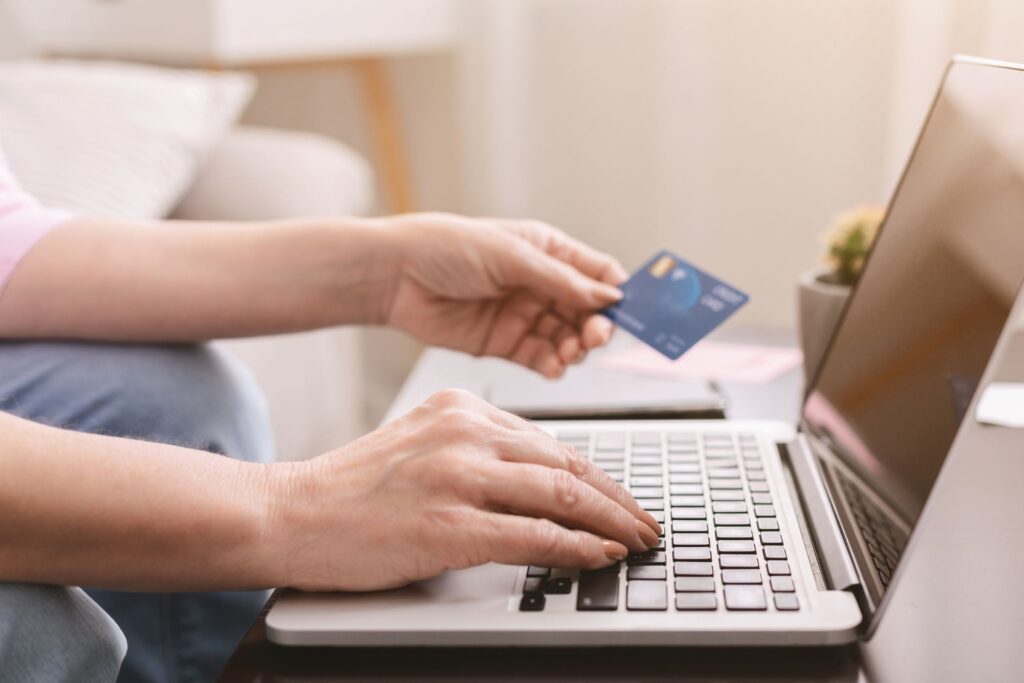
Hackers can’t go on a shopping spree as they would with a credit card and can’t directly access your bank account as they could with your debit card.
Prepaid cards are a clever way of limiting your losses in the event of fraudulent charges.
With a prepaid card, you can also monitor your spending.
3. Set up an email account for your online shopping.
Another method of limiting the fallout of a hack is by creating an email specifically for your online shopping.

Don’t use your business email or any account linked to essential communications like your bank account or digital wallet.
Suppose hackers ever steal this email address from a site. In that case, they’ll encounter nothing but your favorite cutleries or books on your TBR list.
4. Use secure connections.
Don’t make it a practice to use public internet connections for your online shopping. You have no idea who is sitting on the other side of the free Wi-Fi connection in the park or coffee shop waiting for you to sample the poisoned fruit.
Some public transportation hubs and airports offer free USB charging ports. These can be helpful, but they can also upload malicious software to your devices if someone tampers with them. Malicious software can record your keystrokes and steal your login information.
Using a public computer is another risky choice. You don’t know who used it or who may have installed malicious spyware and malware to steal your information and contact details.
With added convenience comes added responsibility and vigilance. Tempting as it is always to be connected to the internet no matter the source, bear in mind the dangers of the practice.
Still not going to give up unsecured connections? Then install a VPN (Virtual Private Network) on your mobile devices and computers. A VPN creates an encrypted link between your devices and the VPN server as a secure tunnel for your internet connection. It makes your data harder for hackers to intercept.
5. Be careful when using your mobile device to shop online.
If you are not using a shopping app attached to reputable sellers and decide to use your browser, there is one thing you should know.
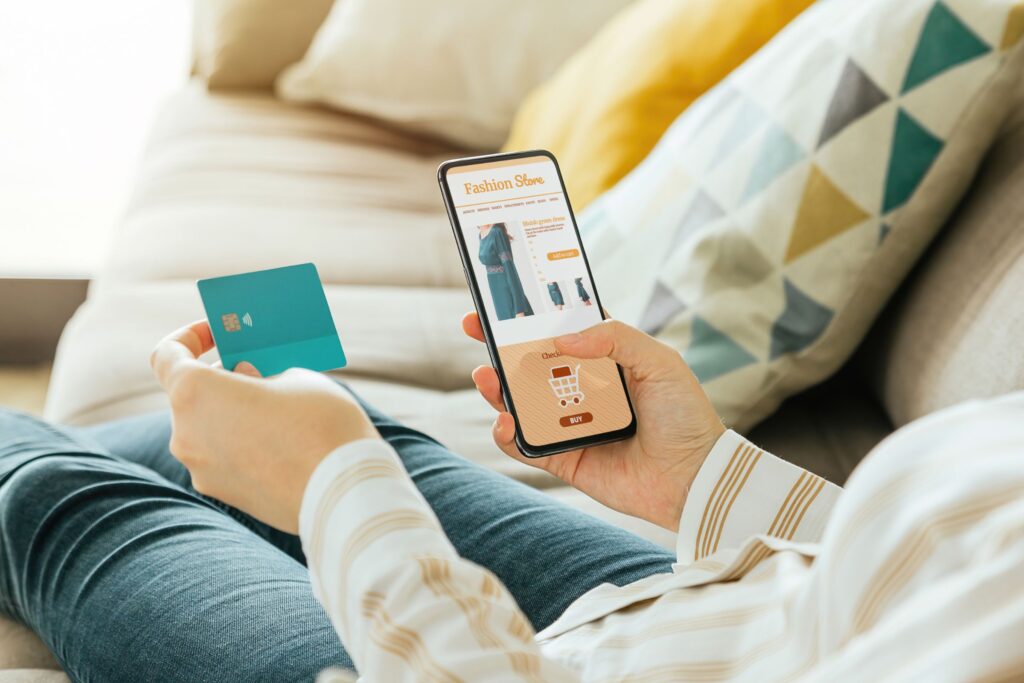
Browsers shorten website links to make them phone-friendly. Shortened links may not display the site’s name itself, making it easier for scammers to trick you into visiting malicious websites.
6. Stick to trusted and secured websites.
It’s best to err on the side of familiarity. Shop online with reputable brands that have proven that they take your safety seriously.

You first want to look for a padlock symbol on the URL bar. A padlock means the site uses encryption for added security. Secured websites have an ‘S’ in the URL. So instead of ‘HTTP://,’ it should read “HTTPS:// showing that the page is secure.
Brands you can trust are open about the way they conduct business. They give you their contact information upfront with a toll-free customer service line and email address if you have an issue. Read their policies on refunds, exchanges, and how your data is being stored and used. Their transparency about these conditions indicates that your information is credible and protected.
7. Be careful about the information you provide.
There is some essential information businesses need to provide you with their services. Online stores will ask for your name, shipping address, and of course, your payment information.

Consider this a red flag if they request additional information like your social security number.
Suppose you’re an online business owner and you use services like Stripe. In that case, you know your SSN is used to verify your identity and confirm the legitimacy of your business. This kind of check isn’t necessary for buying a pair of shoes or some earrings.
You should always guard your bank details and credit card info.
8. Create unique passwords.
And I don’t mean something you won’t even remember yourself. Avoid using dates of birth, home addresses, and those basic options anyone can guess. If you shop on multiple sites, don’t use the same login information to ensure you always remember.

If you have a single password for all your websites, it becomes a master key for hackers. They crack one, and they get them all. Consider using a password manager if you require assistance with creating strong passwords. LastPass and DashLane offer you password generation and management with optional two-factor authentication.
Say, for instance, you save your login information for your PayPal account. You can choose to enable a master code and time your session access. A password manager can also make changing your password frequently less of a hassle.
Although changing your password often is a security tip, it has drawbacks. We remember our passwords through repetitive use. The passwords we use the most are the ones that are more likely to stick with us. So if you’re constantly changing passwords, chances are higher that you’ll forget them and be tempted to write them down on a piece of paper or put it into your phone.
9. All that glitters isn’t gold.
Discounted prices are clickbait for the frugal shopper. Approach cautiously if you see a deal where items are priced significantly lower than market value. Unless it’s a trusted website and one you often use, drastically low prices can be a red flag.

Don’t click on random pop-up ads that appear on unfamiliar, unsecured sites telling you about some dream deal, as I mentioned above. Bold prints screaming at you to click because the offer expires in ten minutes. Don’t fall for it.
Phishing scams often result from users clicking on random pop-up ads about sales and discounts. Low prices appeal to our pockets, especially when living on a strict budget. Scammers know this, and they use it as a lure.
Install an ad-blocker to stand guard against pesky pop-ups.
10. Check your credit card statement.
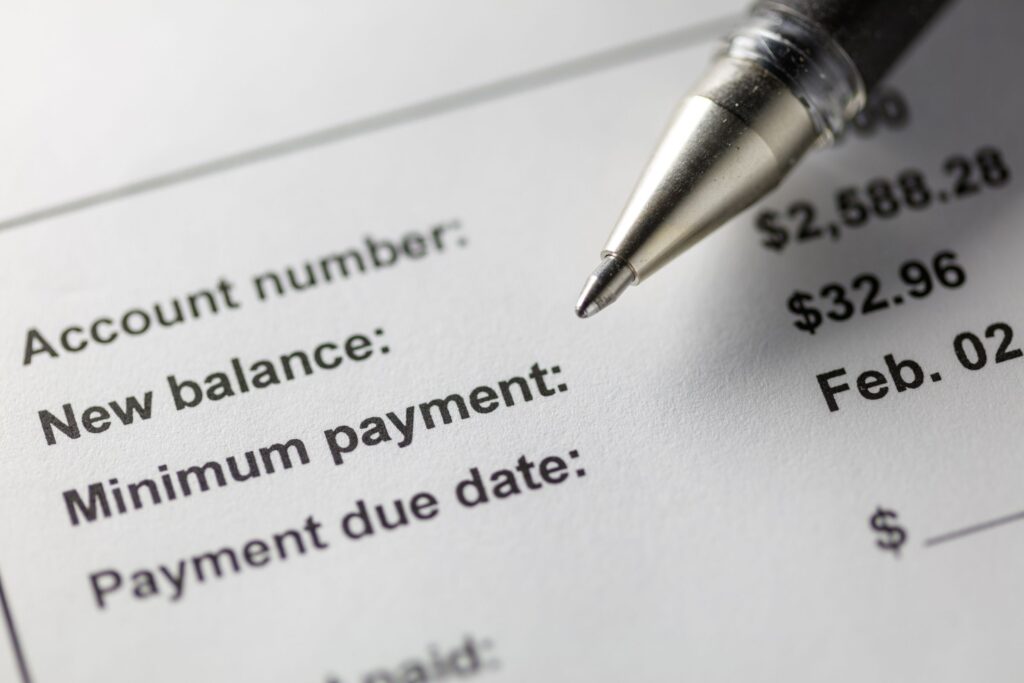
Monitor your statement for any unusual purchases. The sooner you detect discrepancies, the less damage you may incur. Irregularities also include hidden charges from sites you use. Anything you did not authorize and were not aware of is an issue.
Conclusion
Shopping online will never be completely safe. Hackers consistently devise clever ways of breaching even the most secure website to steal your information. But you can mitigate your risks by taking a cautious and proactive mindset when shopping online. Double your vigilance during the holiday shopping season.
Follow these online shopping safety tips:
- Use online payment gateways like Google Pay and Paypal to protect your credit card details from hackers for extra security.
- Use a prepaid card for shopping on e-commerce sites.
- Set up an email account for your online shopping, separate from the personal account linked to your banking information.
- Use secure connections for browsing and online services to limit your exposure to cyber threats.
- Be careful when using your mobile device to shop online to avoid fraudulent websites.
- Browse secure sites with a closed padlock icon in the address bar.
- Be careful about where you enter your personal details online.
- You may not be able to create an uncrackable password, but strong, unique passcodes provide an added layer of security.
- All that glitters isn’t gold on the internet. Avoid internet scams disguised as discounts, gift cards, and once-in-a-lifetime deals by not clicking random ads.
- Check your credit card statements for unauthorized charges and immediately once-in-a-lifetime report it to your credit card company or bank.